
The injection molding simulation API your agent loves
-
Up to 1,000x faster
than classical solvers for filling analysis
-
<5% error
on most filling cases vs. validated numerical simulation
-
One API
Neural and classical engines, one parameter switch
-
Run in parallel
Sweep hundreds of variants simultaneously: Your agent fans out
Use Cases
What you can build with the Agentic Molding Toolkit
From a quick DFM check to a 500-run parameter sweep - all from your code.
AI agent integration
Give your agent a physics engine. Agentic Molding Toolkit handles the simulation, the agent processes the results, you pick the winner.
Automated DfM pipeline
Wire a fill check into your geometry pipeline. Auto-place a gate, run the fill, and get a red/amber/green signal on short shots, weld lines, air traps, and clamp force - before you sit down to review the design.
Robustness studies
If your material properties vary by a few percent, how do your outcomes vary? Run the Monte Carlo study you have never had time for. Fast physics makes it practical at the design stage, not just in final validation.
Internal simulation tooling
Wrap the API into any internal tool your team already uses. They run simulations without touching the complexity. Build once. Run by anyone.
Gate placement sweeps
Sweep dozens of gate locations, score each fill by pressure and defect rate, and let your agent pick the winner. What used to be 10 designs overnight becomes 10,000.
Get Started
Built by engineers, for engineers who build.
Wave 1 is underway. A small group of engineers are already running simulations, shaping the API, and getting direct access to the team who built it. Apply to join the next wave.
Request early access- Get the starter kit with working simulation examples
- Direct access to the SIMCON engineering team
- A say in how the API evolve
Get Started
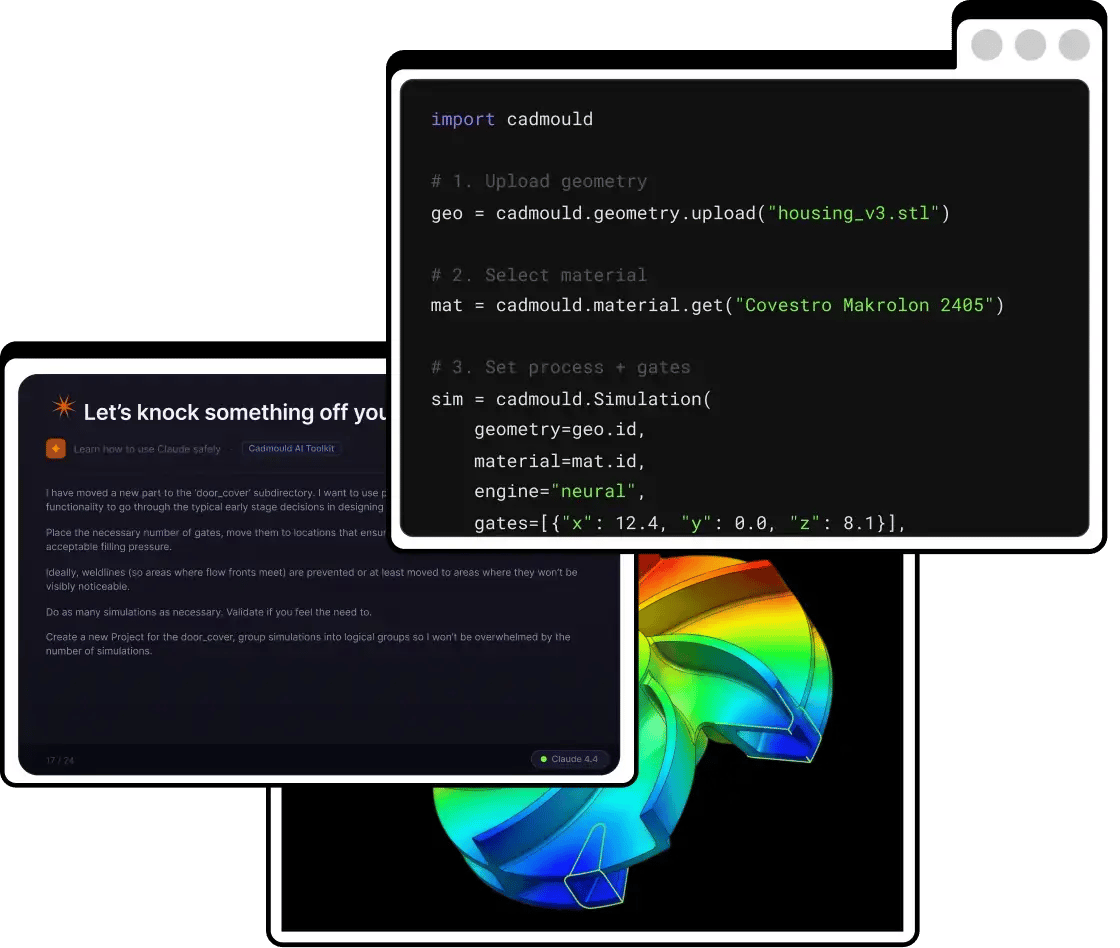
Five steps. One import.
-
01
Upload your geometry
STL or Cadmould RM1. Registered as a platform reference. Upload once, reuse across unlimited simulations.
-
02
Select a material
Search by trade name, material family, or fiber content - partial names work. Pick yours from the results. Cloud-based and always current.
-
03
Set your process
Melt temperature, injection rate, mold temperature, gate positions. All inline with the simulation call.
-
04
Run a simulation
engine='neural' for seconds. engine='numerical' for classical precision. The SDK handles the job lifecycle.
-
05
Get results
Flow front, pressure, temperature, weld lines, clamping force. JSON or HDF5. Post-process locally or pipe to the next step.
Powered With
The dual engine: explore at speed, verify with confidence.
Agents are good at planning and coordination. But can they predict non-Newtonian flow? Just give your agent access to our dual engine and they can orchestrate and run your experiments with speed and confidence.
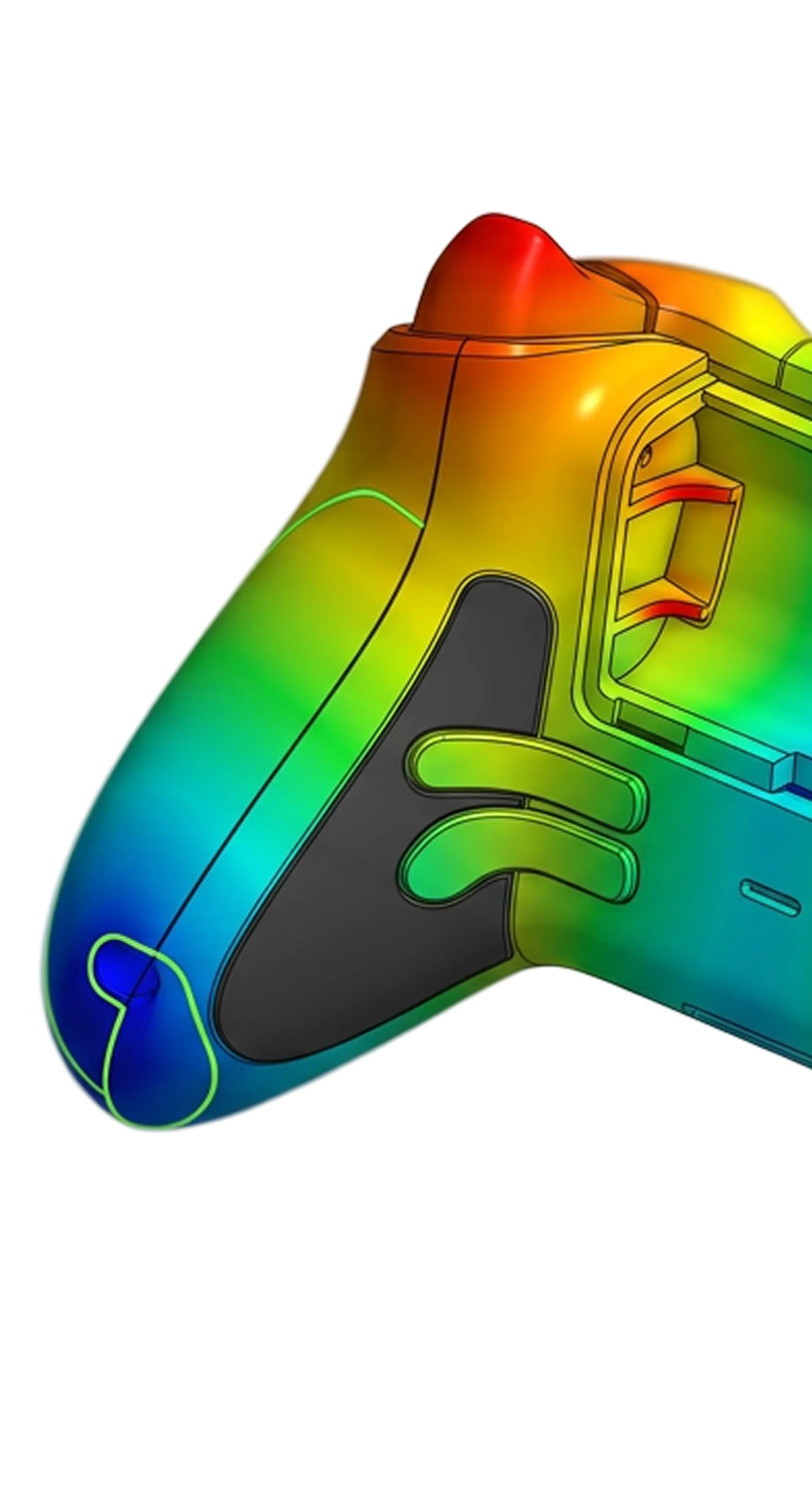
The AI Solver handles hundreds of filling variants in the time a classical solver takes one. When you've found the candidates worth validating, one parameter switch moves to the classical numerical solver for full-fidelity validation - same API, same geometry, same material reference.
The AI Solver
- engine="neural"
- Up to 1,000x faster than classical solvers
- Full 3D fill results in seconds
- High-fidelity (<5% error on most filling cases)
- Built for high-volume sweeps and automated workflows
1,000×
faster than FEA
seconds
per simulation
<5%
typical error
Numerical Solver
- engine="numerical"
- Established, validated physics
- Consistent with the production simulation tools you already know
- Same API, same geometry, same material reference as the AI Solver
~3-8 minutes
per simulation
FEA-grade
accuracy
< 0.5%
error (est.)
AI Solver scope today
Filling phase: flow front, pressure, weld lines, air traps, clamp force. Cooling, warpage, and fiber-reinforced grades are not yet modeled — switch to classical for full-fidelity validation.
See our documentationWave 1 is underway. Sign up to join the next wave.
Start building today.
Right now, a handful of engineers are running injection molding simulations in seconds. They have a direct line to the product team and workflows nobody else has built yet. Sign up to join the next wave.
What happens when you apply
- We review your application and confirm fit
- You receive the starter kit to explore the API
- If it's a match, we set up your access and onboard you directly
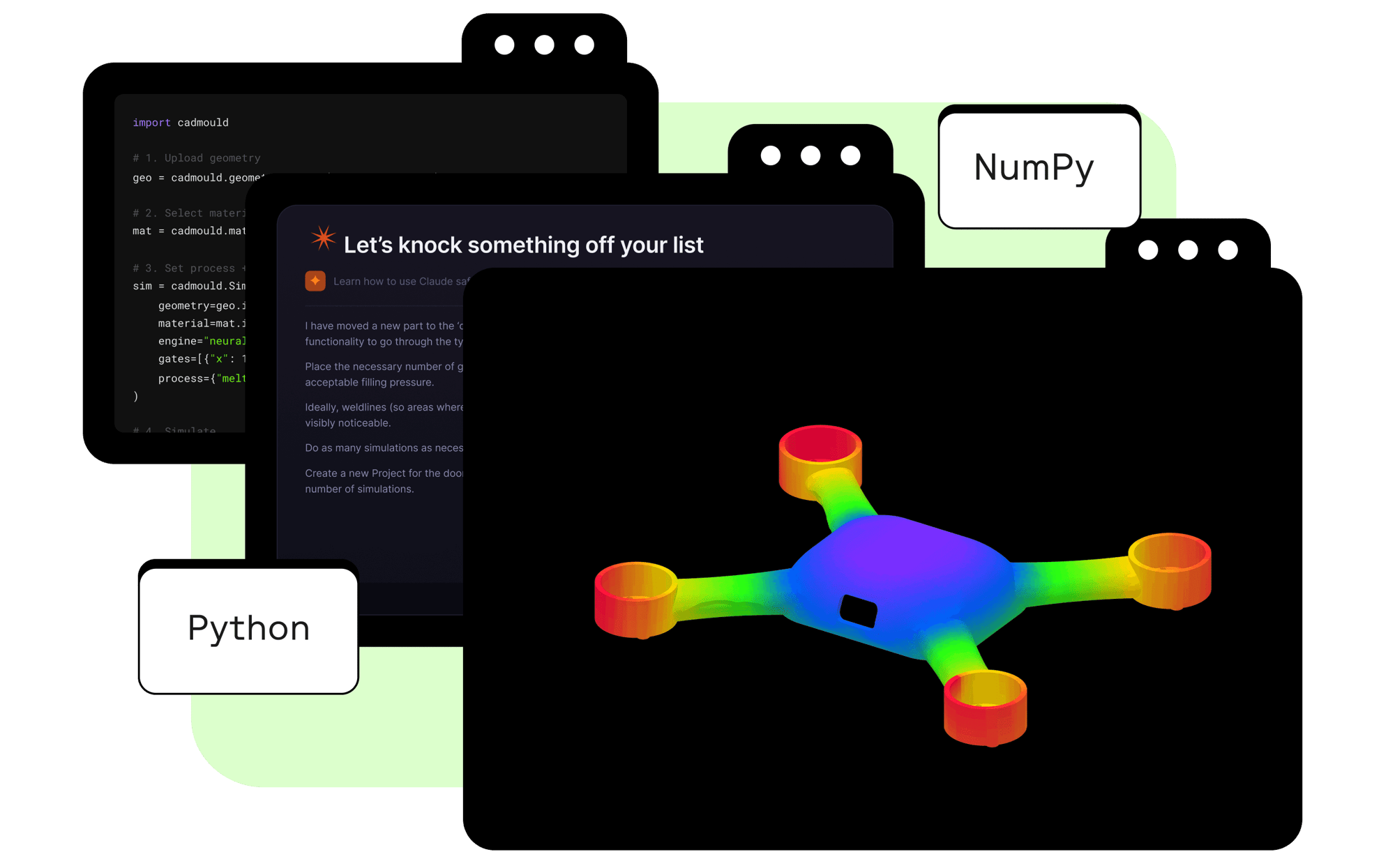
Works with the stack you already know.
No new tools to learn. Plug into the languages, environments, and libraries your team already uses.
LANGUAGES
- Python
- C++
- C# · soon
TOOLING
- Git
- Jupyter
- VSCode
- Claude / Codex App
FRAMEWORKS
- Pandas
- NumPy
- Matplotlib
- PyVista